A first tour of GoSoft
Guided tour of GoSoft: choosing the business unit, the main menu, the top bar, the global search and where the accounting reports are.
Before booking your first entry it helps to know the terrain. In this lesson we walk through the screens you will see every day in GoSoft, using the sample company Empresa 01 S.A.
- Choose the business unit you will work with.
- Find your way around the main menu and the top bar.
- Find the accounting reports and the global search.
1. Choosing the business unit
GoSoft works by business units: each project, branch or line of business is a unit with its own analytical accounting, documents and numbering. When you log in, the first thing you see is the list of units with their key figures.
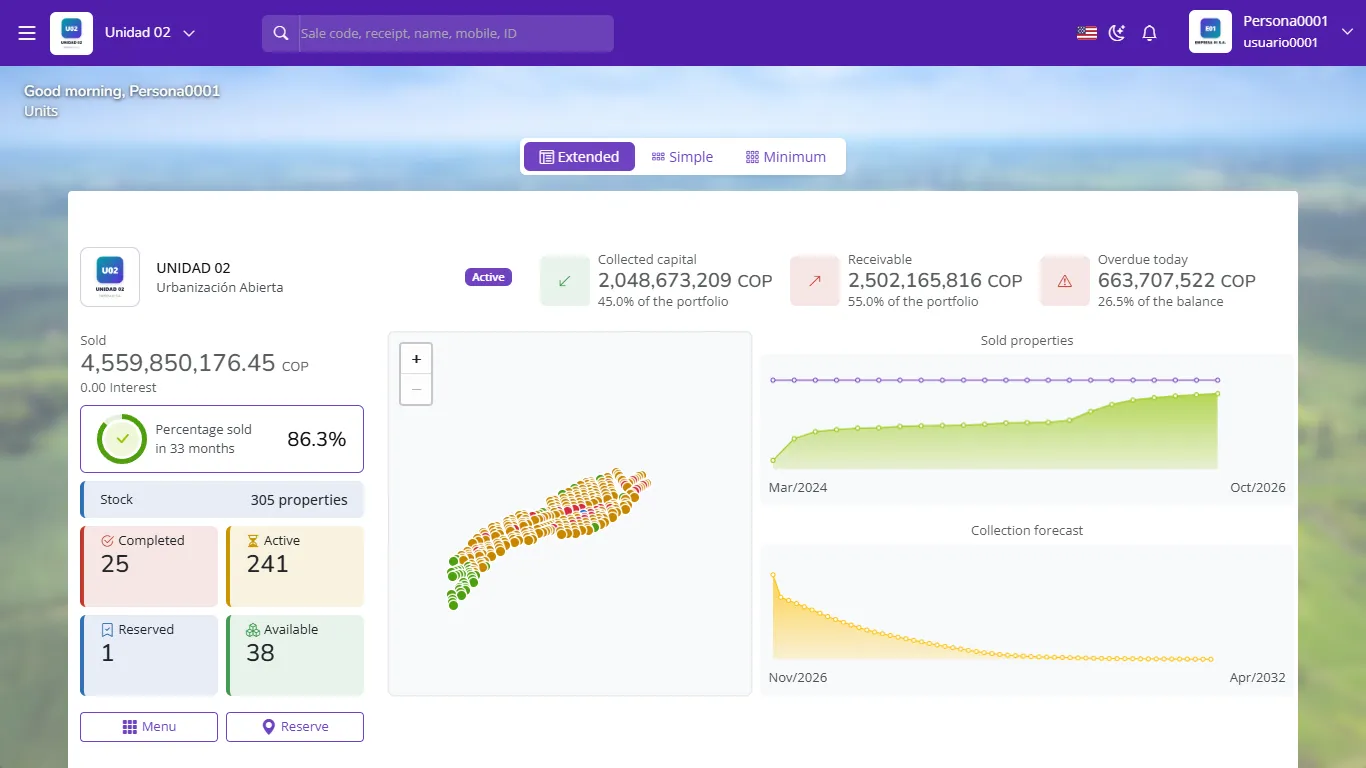
Click the unit you want to work with. You can switch at any time from the unit name at the top left.
The company is a single legal entity and keeps a single chart of accounts. Units are internal divisions used to measure results separately. Official financial statements can be produced consolidated (all units) or by unit. We cover this in Business units.
2. The main menu
The menu groups the applications installed in the unit: accounting, properties, purchases, sales, inventory, people and settings. Each card opens a working screen.
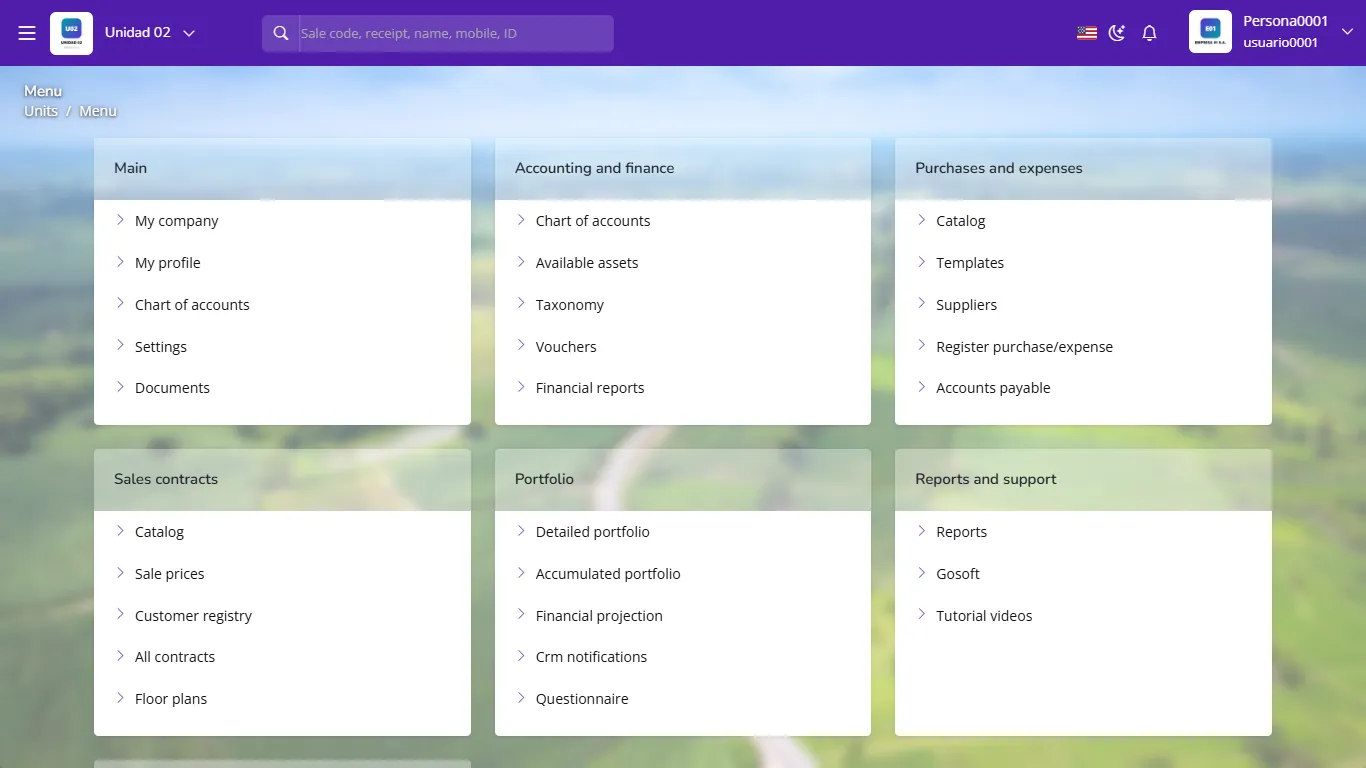
3. The top bar
Always visible, from left to right:
| Element | What it is for |
|---|---|
| ☰ Side menu | Opens the full menu with every screen |
| Unit logo and name | Switches business unit |
| Global search | Finds sales, receipts, people, documents and vouchers by number, name or phone |
| Flag | Changes the language: Spanish, English or Portuguese |
| Moon | Light or dark theme |
| Bell | System notices (for example, pending accounting tasks) |
| Your user | Profile, company and log out |
4. Financial reports
Everything related to accounting lives in Financial reports: chart of accounts, vouchers, books, financial statements, taxes, closing and analysis. It is the screen you will use most as an accountant.
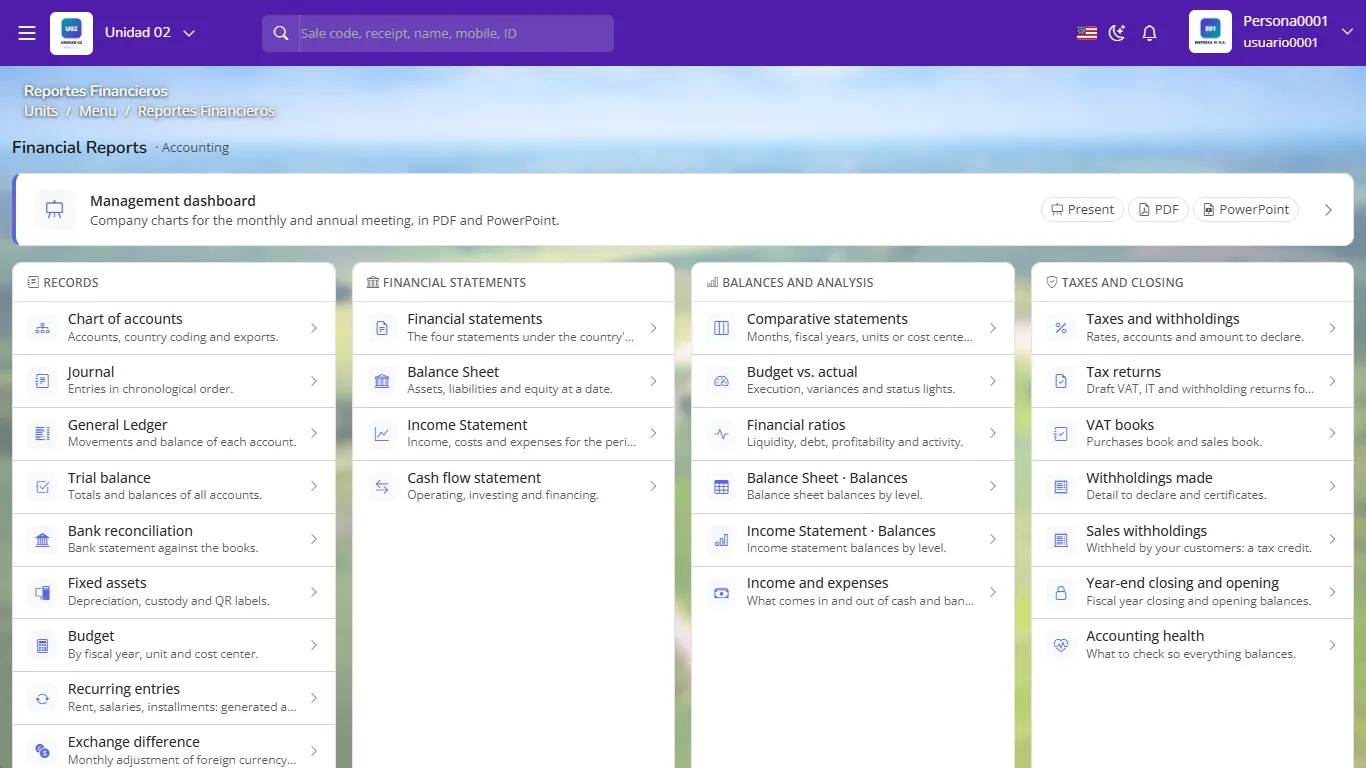
Bookmark Financial reports in your browser. From there any book or statement is one click away.
5. My company
My company holds the legal data, country, currency, business units and their cost centers. We set it up in Module 02.
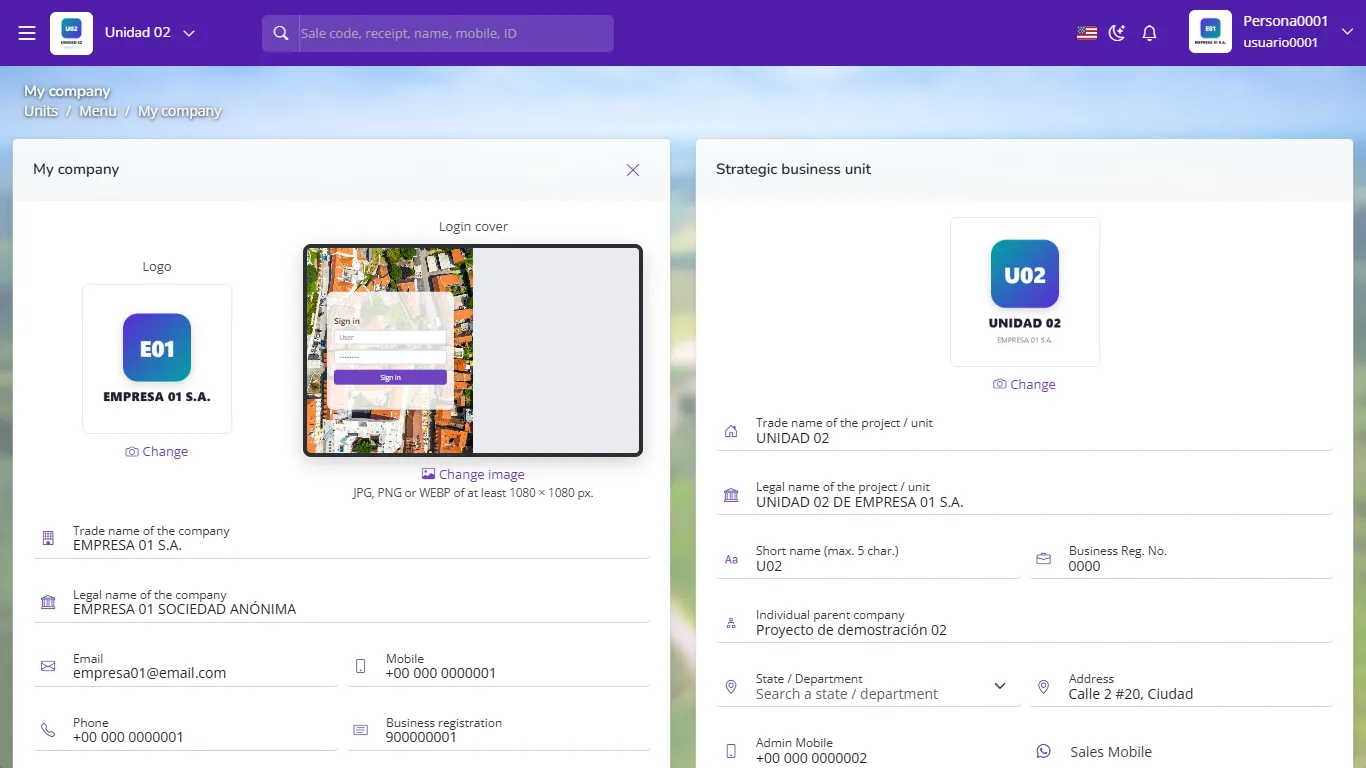
What is the first thing you choose when you log in to GoSoft?
The business unit you will work with.
Does a company with three units have three charts of accounts?
No. The company has a single chart of accounts; units are internal divisions to analyze results separately.
Where are the books and financial statements?
In Financial reports.